
From simulation to decision
Measure the return on investment of your CMMS project before you invest. A gut feeling is not enough to invest. What remains is gathering the decision-support elements: what the investment may cost, the potential gains, the payback period and the economic levers involved.

- 1
Measure
Your current situation, in orders of magnitude.
- 2
Simulate
Your figures, entered in the calculator.
- 3
Quantify
Potential gains, investment and ROI.
- 4
Compare
Invest or do not invest.
- 5
Decide
An objective basis to make the call.
What you enter, what you get
A few minutes are enough to go from a gut feeling to a first quantified estimate.
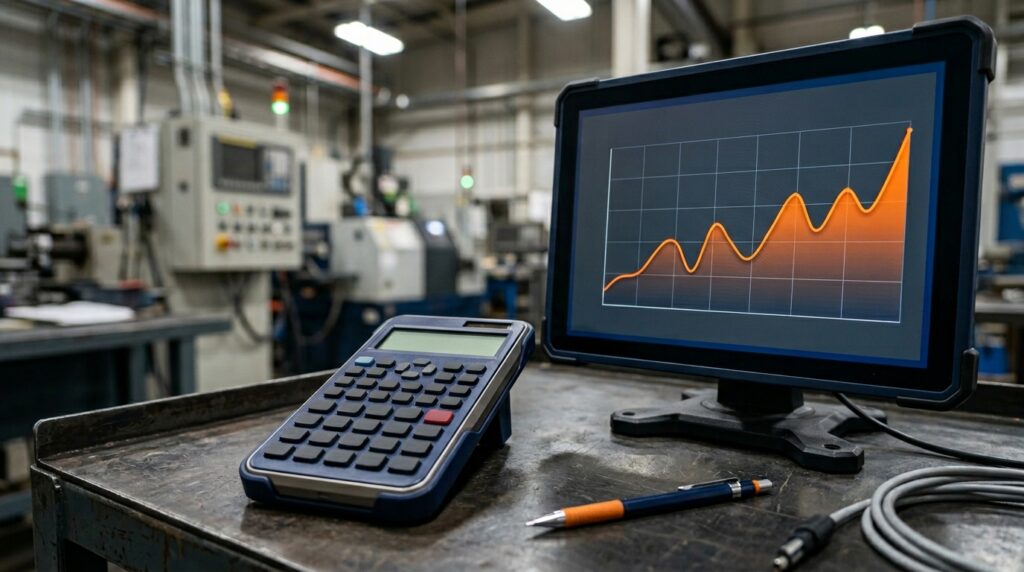 CMMS ROI Calculator
- 1Step 1
You enter your current situation
A few real data points about your company: technicians, equipment, downtime hours, the tool used today.
- 2Step 2
MAINTEX estimates the gain levers
Costs, time, downtime, resources and stock are analysed to quantify the potential gains.
- 3Step 3
You get a simulation
Potential gains, estimated investment, ROI and payback period over the first year.
- 4Step 4
You have an objective basis to decide
Decide to invest, compare scenarios or go deeper with your full data.
A quantified projection, not a promise
Results are first-year estimates based on your data. They help you decide: they are not a guarantee.
 01
Your current situation
- The current cost of maintenance
- The cost of downtime and losses linked to unavailability
- Labour and intervention costs
- Stock and spare parts costs
 02
Your potential gains
- Better organisation of interventions
- Preventive maintenance
- Reduced downtime
- Optimised resources
- Improved stock management
 03
Your decision support
- The potential amount of savings
- The estimated ROI
- The potential payback period
Four economic levers taken into account
Each lever is a potential return-on-investment factor. Assumptions are displayed and editable.
 1
Reduce downtime
Less unavailability and better production continuity.
 2
Improve maintenance productivity
Less time lost looking for information, preparing interventions or re-entering data.
 3
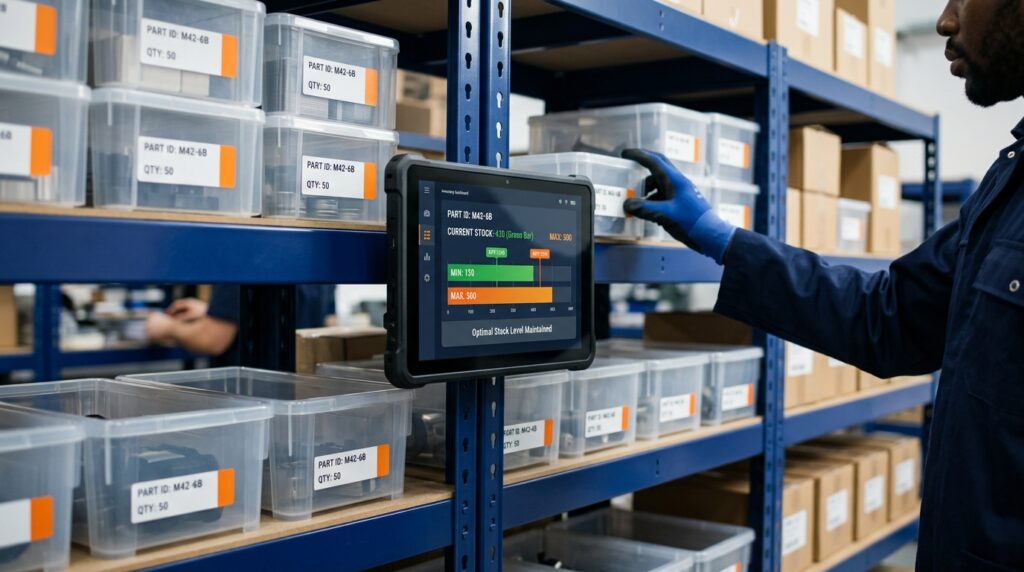
Optimise stock
Cut unnecessary tied-up inventory while improving the availability of critical parts.
 4
Develop preventive maintenance
Gradually reduce reliance on corrective maintenance and emergency interventions, and preserve equipment lifetime.
One calculation, several decisions
Each function finds the answer to its own question, from the same figures.

Not investing also has a cost
The simulation compares two scenarios over twelve months, so you decide from figures rather than a gut feeling.
 Invest
Cost of the investment
- Licences and set-up, estimated from the first year
- Potential gains on downtime, productivity, stock and equipment lifetime
- Payback period estimated from your data
 Do not invest
Current cost and avoidable losses
- Current maintenance costs remain
- Unplanned downtime and unavailability continue
- Potential losses, prudently quantified over twelve months
The key point: compare the cost of the investment with the current cost and avoidable losses, using a prudent reading.
Prepared with the maintenance team
A team of 8 technicians looks after 120 pieces of equipment and suffers about 96 hours of unplanned downtime a year.
Savings the company gives up by keeping the status quo for one year.
Fictional example produced with the MAINTEX ROI calculator. First-year estimate, to be confirmed on your real data.
A decision-support document for every stakeholder
The simulation result is sent to you by e-mail. It is not only a document to hand to management: it is a shared working basis for the whole project.
- The assumptions used, visible and editable.
- The starting situation and the estimate of current costs.
- The potential gains detailed by lever.
- The estimated investment for the first year.
- The ROI and the payback period, the two figures management remembers.
- A usable summary for decision making.
Turn your simulation into an investment decision
The results serve several purposes, from scoping the project to preparing the rollout.
What we do, what you receive
Five simple steps, one purpose: an investment decision based on figures.
Scoping discussion
We talk about your reality: how many technicians, which equipment, how many downtime hours a month, which tool today. We also identify the people to involve in the study: management, finance, purchasing, IT, maintenance.
Simulation built with you
We fill in the ROI calculator together, with screen sharing, using your figures. Every assumption is visible and editable: you know where each result comes from.
Your ROI report
The simulation result is e-mailed to you: detail of the four gain levers, first-year cost of the solution, return on investment and payback period.
Your decision summary
We condense the essentials on a single page: the findings, the cost of inaction over twelve months, the expected savings, the payback period and a clear recommendation.
Decision preparation
A 20 to 30 minute meeting before the decision. We go through everyone's questions and reservations, one by one.
And after the decision?
We stay in touch, whatever the outcome. If you give your agreement in principle, we offer a free personalised audit to move from the estimate to figures based on your full data.
The questions every company asks before investing
Here are the most frequent ones, with answers.
A question about your context?
A MAINTEX expert builds the simulation with you, with no commitment.
Request a tailored study"How do I know the figures are reliable?"
The calculator relies on sector benchmarks (AFIM and Gartner CMMS), completed by MAINTEX-specific adjustments. Every assumption is displayed and editable, and the method is explained on the calculator page. It is a first-year estimate.
Our answer: the free personalised audit replaces assumptions with your full data before any decision.
"We do not have the budget yet."
The costing includes licences and set-up from the first year. You see the real cost and the estimated payback period.
Our answer: consider the CMMS as an investment whose gains offset the cost, not as one more expense.
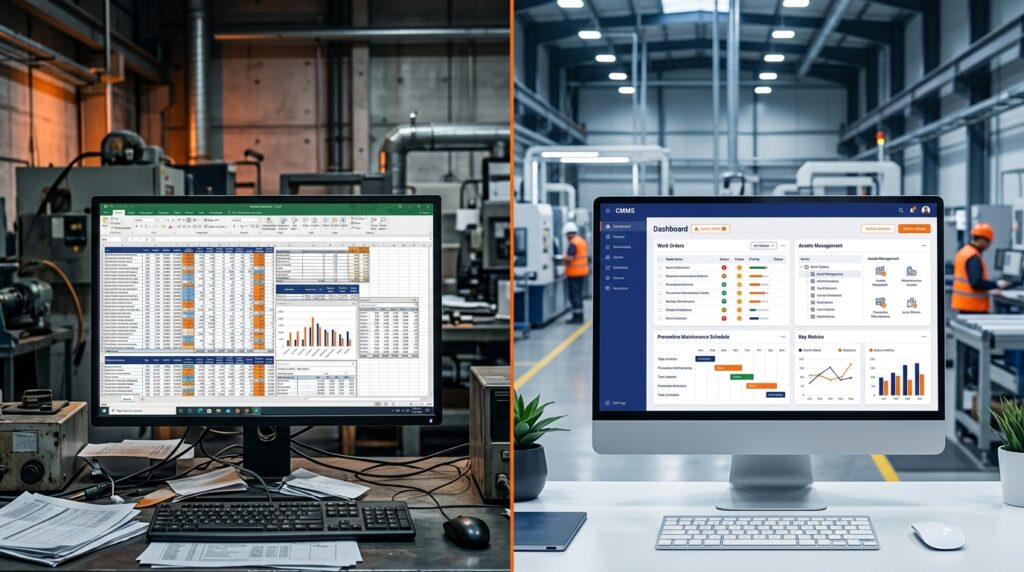
"We already have Excel."
The calculator takes your current tool into account: with no tool, a spreadsheet, an older CMMS or a business management module, the room for progress is not the same.
Our answer: quantify the gap between your current situation and a dedicated CMMS, rather than comparing features.
"We already have an ERP."
A business management module does not always cover every maintenance need. The calculator takes into account the tool you use today to estimate the room for progress.
Our answer: quantify what your ERP really covers on the maintenance side, rather than pitting the two tools against each other.
"How do we estimate the cost of change?"
The costing includes licences and set-up from the first year. Adoption by the teams is a real topic, and it is prepared: the personalised audit refines these elements on your full data.
Our answer: compare this cost with the current cost of maintenance and downtime over twelve months, with a gradual rollout built with you.
"How do we convince the different stakeholders?"
Everyone has their own question: cost, equipment availability, integration, ease of use. The report and summary rely on visible, shared assumptions, which makes alignment easier.
Our answer: rely on the same figures for everyone, with a preparation meeting before the decision.
"What payback period can we expect?"
The payback period is estimated from your data: the first-year investment set against the potential gains. It is a projection, not a commitment.
Our answer: use the calculator to get an order of magnitude, then confirm it with the personalised audit.
"It is not a priority this year."
Changing nothing also has a price. The summary highlights the cost of inaction over twelve months, calculated prudently.
Our answer: show what the status quo costs, often comparable to the cost of the CMMS itself.
Before booking a meeting
Is the support paid?
The discussion, the simulation and the personalised audit are free. Tell us about your context and we will propose a slot.
Do I need an approved budget to talk to you?
No. This support exists precisely to gather what will let you decide. You can arrive with a simple gut feeling and leave with a quantified file.
What information do I need for the simulation?
Orders of magnitude are enough: the number of technicians and their average hourly cost, the number of pieces of equipment, unplanned downtime hours per month and their cost, and the tool you use today.
Who can use the calculator in my company?
Management, finance, maintenance, IT or the project manager: the calculation relies on the same data and serves everyone.
How long does the support last before the decision?
The last meeting usually lasts 20 to 30 minutes. It takes place before your decision, to secure it.
What if our company refuses or postpones the investment?
Your report and summary remain yours and can be reused at a later review. We stay in touch and come back to you after the decision to learn the outcome, whatever it is.
Ready to move from simulation to decision?
Estimate in a few minutes what a CMMS can bring to your company, or request a tailored study from a MAINTEX expert.
Free personalised audit. Indicative first-year estimate, with no guarantee of results.